Usage
This package provides a command line interface for conversion, creation and manipulation of TrueType retro fonts. It does so by converting binary encoded glyphs from character ROM images or by converting to and from a human readable format.
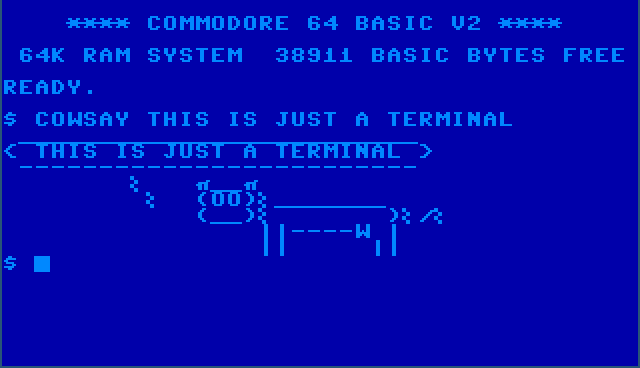
Just a terminal.
rom2ttf
The rom2ttf subcommand creates character sets in the UTF-8 Private Use
Area. The main use case for this subcommand is covered in the the
Quick start section, so here we will focus on more complicated cases.
The Sharp MZ-700 provides us with such a case, this system has two character
sets, characters are stored in a different order from which they are used (the
firmware uses a mapping table) and all glyphs are mirrored.
Both the character ROM as well as the firmware can be found in the internet archive. The following command creates a TrueType font that contains the Sharp MZ character sets.
retrofont rom2ttf -d ~/.local/share/fonts -f 1z-013a.rom -s SharpMZ SharpMZ mz700fon.int
fc-cache -f
In this example, we provide a system name with the -s option, which is
used to retrieve system specific configuration values. See the
Systems section for more information. For the Sharp MZ series,
the mirror configuration value, which controls glyph mirroring, is
set to true and the map_offset configuration value is set to
0x0a92. The latter value is used in conjunction with the -f flag,
which provides a path to a firmware ROM image. A mapping table of 256 bytes
is read from this ROM image from offset 0x0a92 onward. This mapping table is
used to permute the character sets.
The character ROM image mz700fon.int is converted to a TrueType font file
named SharpMZ.ttf, which is placed in ~/.local/share/fonts as provided
with the -d option. The font name is set to SharpMZ, the last but one
parameter controls both the file name as well as the font name.
The font can be used in a Wayland foot terminal as follows.
foot -f SharpMZ
In X, xterm can be used.
xterm -fa SharpMZ
The character sets are placed in the UTF-8 Private Use Area U+E000. This allows for mixing the additional fonts with the original font.
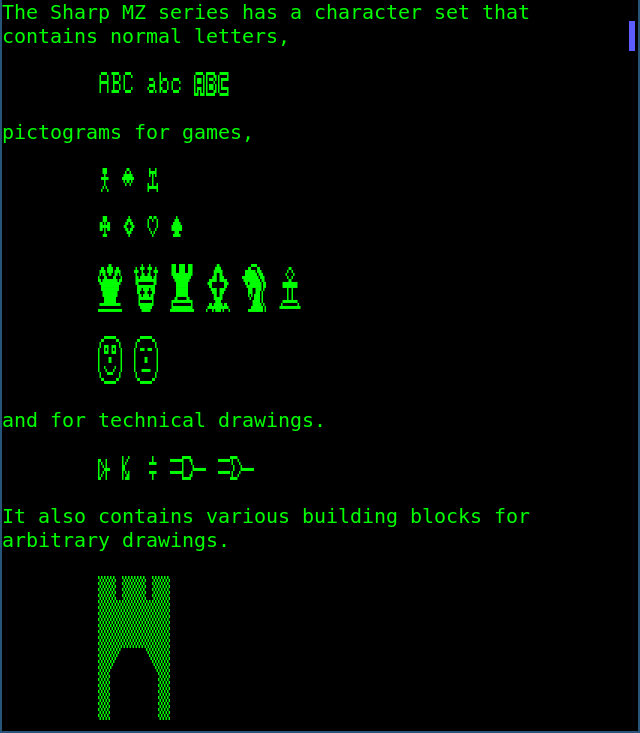
Plain text mixed with Sharp MZ characters.
The -p flag additionally changes the primary font, uses square characters
and removes line spacing.
retrofont rom2ttf -d ~/.local/share/fonts -f 1z-013a.rom -s SharpMZ -p SharpMZ_P mz700fon.int
fc-cache -f
In this example, the TrueType font is named SharpMZ_P and is written to
SharpMZ_P.ttf. Analogous to the previous example, this font can be used as
follows.
foot -f SharpMZ_P
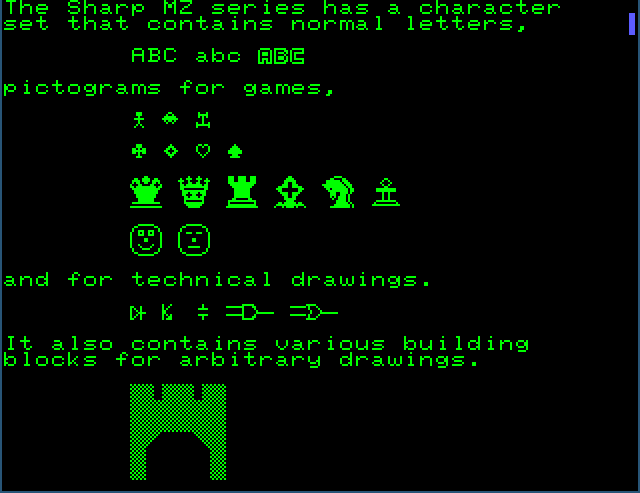
Primary font using the Sharp MZ character set.
Adjusting the terminal foreground and background colours can have quite a convincing effect.
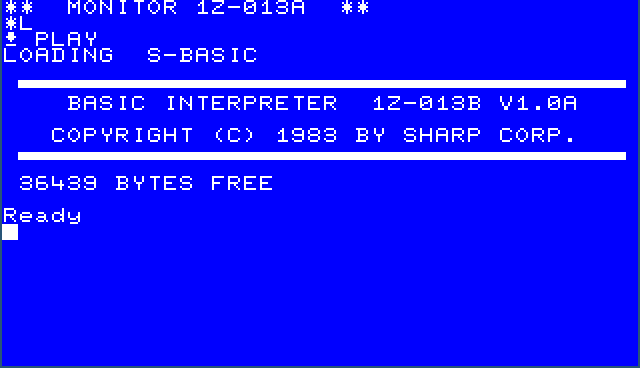
Not a screenshot of an MZ-700 emulator.
show
Since the character ROM contains two character sets and a mapping table is provided, four character sets will be placed in the UTF-8 Private Use Area. The two permuted character sets are placed at offsets U+E000 and U+E100 respectively. The two original character sets are placed after the permuted sets at offsets U+E200 and U+E300 respectively.
The character sets can be shown using the show subcommand. The fourth
character set (second character set, not permuted) is shown as follows.
retrofont show 3
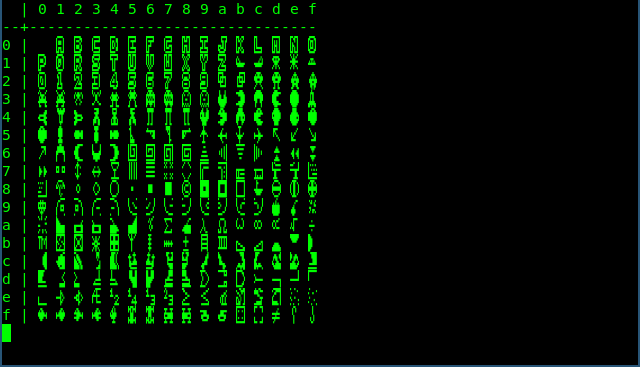
The second Sharp MZ character set as stored in the character ROM image.
Additionally, the primary character set has index -1. If the -p option of
the rom2ttf subcommand was used to create the font, the output should look
as follows.
retrofont show -1

Primary character set.
rom2yml
A character ROM file can be converted to a human readable YAML file using the
rom2yml subcommand.
retrofont rom2yml mz700fon.int mz700fon.yml
The newly created YAML file looks as follows.
- - data:
    - '  ####  '
    - ' #    # '
    - ' #    # '
    - ' ###### '
    - ' #    # '
    - ' #    # '
    - ' #    # '
    - '        '
    offset: 1
  - data:
    - '  ##### '
    - ' #   #  '
    - ' #   #  '
    - '  ####  '
    - ' #   #  '
    - ' #   #  '
    - '  ##### '
    - '        '
    offset: 2
  # ...
Note that the glyphs are mirrored, this is one of the reasons we need a
SharpMZ configuration section.
yml2rom
Since YAML files are easy to read and modify, rom2yml makes it easy to
inspect the content of a character ROM file and to make modifications when
needed.
The subcommand yml2rom can be used to create a character ROM file from a
YAML file. After which, the rom2ttf subcommand can be used to create a
TrueType font.