RetroFont: TrueType font generator








This package provides a programming library and a command line interface for conversion, creation and manipulation of TrueType retro fonts.

Quick start
Convert from ROM
Download a character ROM (e.g., one from the MSX) and run the following command.
retrofont rom2ttf -d ~/.local/share/fonts/ MSX charset_international.raw
fc-cache -f
Open a new terminal that uses the newly created font. In Wayland we can use
foot as follows.
foot -f MSX
In X, we can use xterm.
xterm -fa MSX
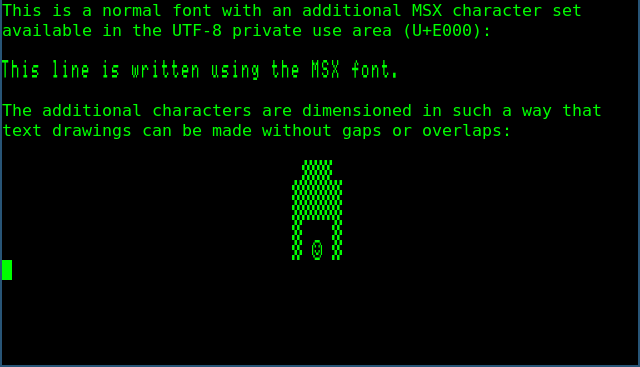
Plain text mixed with MSX characters.
The -p option additionally uses the converted font as the primary font. It
will also make the characters square and it will remove line spacing.
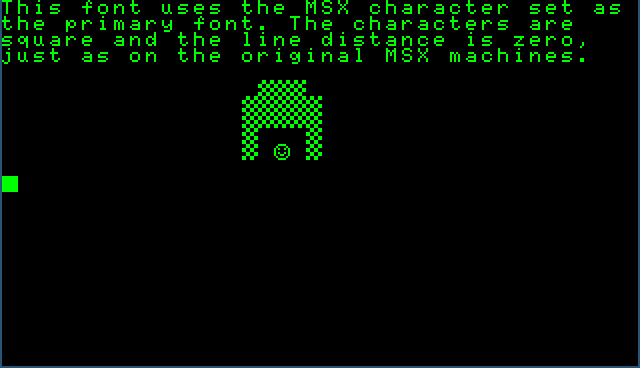
Primary font using the MSX character set.
Adjusting the terminal foreground and background colours can have quite a convincing effect.
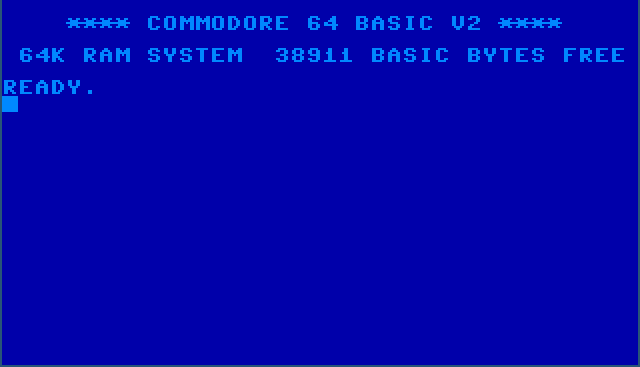
Not a screenshot of a Commodore 64 emulator.
Creation
Glyphs can be drawn by hand and put in a YAML file.
- # ...
- - data:
    - ' #    # '
    - '  #  #  '
    - ' ###### '
    - '## ## ##'
    - '########'
    - ' ###### '
    - '#      #'
    - '###  ###'
    offset: 0
  # ...
This file can be converted into a character ROM file, which in turn can be used to create a TrueType font.
retrofont yml2rom test_font.yaml test_font.rom
retrofont rom2ttf -d ~/.local/share/fonts/ test_font test_font.rom
fc-cache -f
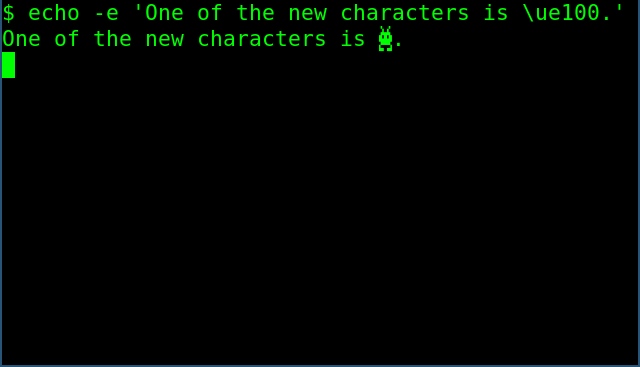
Newly created glyph in the UTF-8 Private Use Area.
Please see ReadTheDocs for the latest documentation.